A Seller's Guide to the Amazon IN Refund Process
Written by

Cosmy
AI-driven eCommerce Optimization
If you sell on Amazon.in, managing refunds is not just a possibility—it's a certainty. The amazon in refund process is more than a simple transaction reversal. It comes with costs that can reduce your profits and directly affect your seller account health. Handling this process correctly is essential to staying profitable and maintaining a good standing on the platform.
Understanding the Amazon India Refund Environment
Selling on Amazon.in means you will get returns. The Indian e-commerce market has unique characteristics that can lead to higher return volumes compared to other regions. Understanding these details is the first step to managing them effectively.
For any seller, a refund isn't just about returning the customer's money. It's a financial event with multiple layers that can turn a profitable sale into a loss.
The Real Cost of an Amazon Refund
When a customer initiates a return, several costs begin to add up. It's a mistake to think you only lose the profit on that single sale. The financial impact is much deeper.
Reverse Shipping Fees: You are typically responsible for the cost of shipping the product back from the customer. These charges can be significant, especially for heavy items or shipments from remote locations.
Restocking and Repackaging: Even if an item is returned in perfect condition, it needs to be inspected, cleaned, and repackaged. This involves labour costs.
Damaged or Used Goods: A portion of returned items will be unsellable. They may be damaged during shipping, show clear signs of use, or have missing parts. This results in a complete loss of that inventory.
Original Shipping Cost: The money you spent to ship the item to the customer initially is a sunk cost.
A single return can easily cancel out the profit from five or six successful sales. This is why you need a proactive strategy to manage your return rate, not just react to refunds. It is essential for your business's survival.
Why Refunds Are Frequent in the Indian Market
Certain product categories naturally have higher return rates. Clothing is a prime example, known for high returns due to sizing and fit issues. This is particularly true in the Indian e-commerce market.
A Statista survey showed that clothing is the most returned online purchase category, with return rates often exceeding 20-30%. Most of these are due to size mismatches, which costs sellers a great deal in reverse logistics. You can find more context on India's e-commerce growth and challenges on economictimes.com.
Electronics are another category with high returns, often due to compatibility issues or customers finding the product too complicated to use. Understanding the specific reasons for returns in your category is key to addressing the problem.
This table outlines the common reasons customers request refunds on Amazon India and the direct effects on sellers.
Common Refund Triggers and Their Impact on Your Business
Refund Trigger | Common Causes | Impact on Seller Metrics |
|---|---|---|
Product Not as Described | Inaccurate listing details, misleading photos, wrong specifications. | Increased negative feedback, higher Order Defect Rate (ODR). |
Damaged in Transit | Insufficient packaging, rough handling by courier services. | A-to-z Guarantee Claims, negative seller feedback, inventory loss. |
Wrong Item Sent | Human error in the warehouse, mislabeled inventory. | Negative feedback, increased return rate, potential A-to-z claims. |
Sizing/Fit Issues (Apparel) | Inconsistent sizing charts, poor product descriptions. | Very high return rates (20-30%+), high reverse logistics costs. |
Customer Remorse/Changed Mind | Impulse buys, found a better price elsewhere. | Increased return rate, lost sale, potential for used/opened returns. |
Paying attention to these triggers provides a clear guide on where to focus your efforts, whether it's improving your listings or upgrading your packaging.
How Refunds Affect Your Seller Account Health
Amazon monitors your performance through various metrics, and how you handle refunds is a significant part of that evaluation. The most important metric to watch is the Order Defect Rate (ODR).
Your ODR combines negative feedback, A-to-z Guarantee claims, and credit card chargebacks. An increase in refunds, especially those accompanied by customer complaints, will negatively impact these signals. If your ODR goes above 1%, your account is at a high risk of suspension.
To manage this effectively, you must understand the rules of the platform. This means becoming familiar with Amazon's return policy for both buyers and sellers. It provides the foundation for setting customer expectations, handling disputes, and protecting your account.
Navigating the Refund Process in Seller Central
Mastering the amazon in refund process within Seller Central is a critical task for any seller. Your approach depends on whether you use Fulfilled by Amazon (FBA) or fulfill orders yourself. The choice determines what is automated versus what requires your direct attention to protect your finances and account health.
If you are an FBA seller, Amazon's customer service teams handle most of the process. They communicate with the customer, authorize the return, and process the refund. While convenient, this means you give up direct control over the refund decision.
If you are a seller-fulfilled merchant, you are in control. Every return request comes to you, and you typically have 48 hours to review and approve it. This provides oversight but requires you to act quickly to meet Amazon's service level agreements.
Handling Seller-Fulfilled Returns
When a buyer wants to return an item you shipped, the request appears in your Seller Central dashboard. Navigate to "Orders" and then "Manage Returns." This page is your hub for approving requests, communicating with buyers, and managing the process.
Here is the standard procedure:
Review the Request: Look closely at the reason for the return. Is it a simple "no longer needed," or is the buyer claiming the item is defective or not as described? The reason code is important because it determines who pays for return shipping.
Authorize the Return: For any request that falls within Amazon’s policy, you must authorize it. Amazon will then send the buyer a prepaid return label, and the cost will be deducted from your account.
Issue the Refund: Once the package is returned to you, inspect it. You have two days to issue the refund. Find the order in the "Manage Returns" section and click "Issue Refund."
You can issue either a full or a partial refund. For example, if a customer returns a book with a bent cover that was not present when you sent it, you could issue a partial refund to cover the loss in value. Be cautious with this, as a buyer who disagrees with a partial refund can escalate the issue to an A-to-z claim.
This flowchart shows how a return request affects your finances and seller metrics.
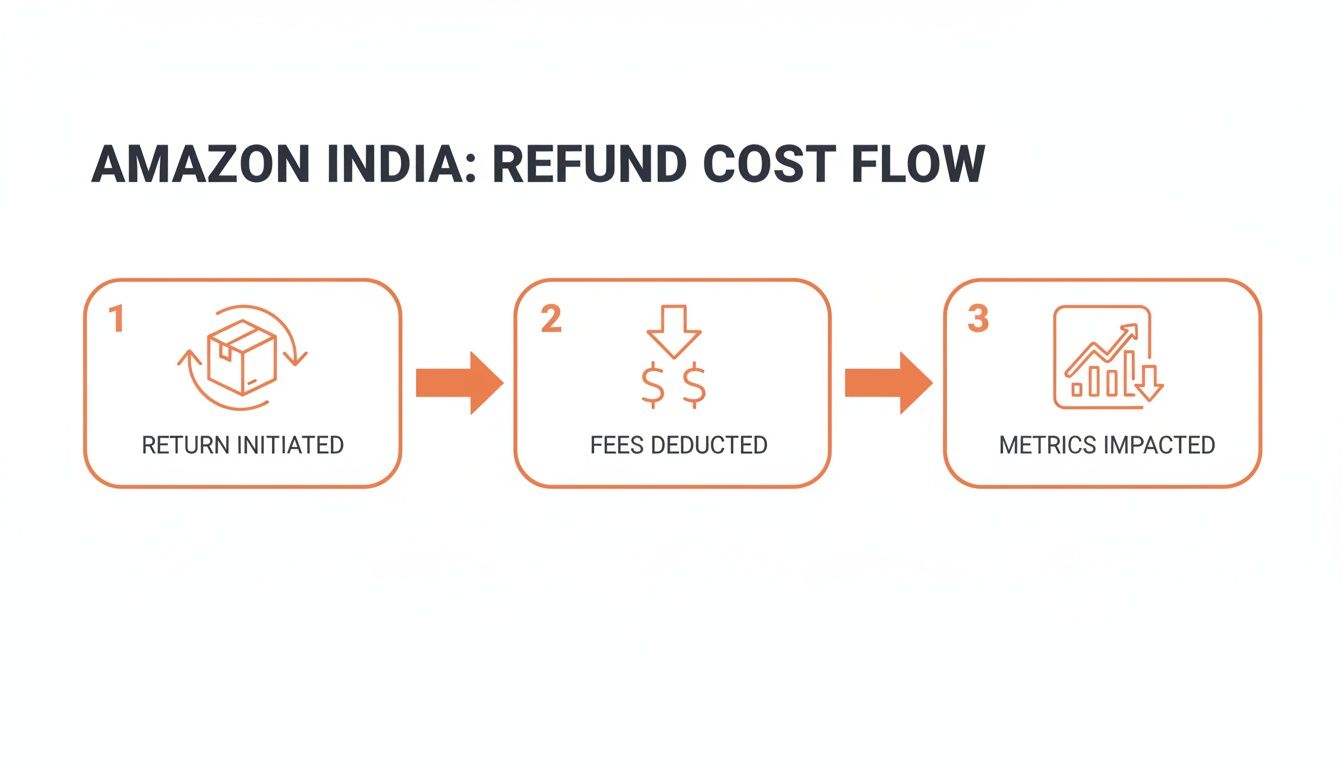
As shown, the process triggers a series of deductions and metric impacts, which is why efficient management is crucial.
The Role of Refund at First Scan (RFS)
"Refund at First Scan" (RFS) is a policy that has changed the refund process for both FBA and seller-fulfilled orders using Amazon's prepaid labels. With RFS, the customer receives their refund as soon as the courier scans their return package.
The purpose of RFS is to create a faster, more convenient experience for the customer. For sellers, however, it means the refund is taken from your account before you have had a chance to inspect the returned product.
This can affect cash flow and leave you vulnerable. For instance, the box could be empty, or the customer could have sent back a different item. If you receive a wrong or damaged product under RFS, your primary recourse is to file a SAFE-T claim for reimbursement. We will cover that process in the next section. Understanding how to handle FBA inventory returns can provide a better framework for protecting your business from such financial losses.
Managing FBA Refunds and Returns
Even though FBA refunds are automated, you still need to monitor your FBA returns to ensure your inventory is handled correctly. The best tool for this is the FBA Returns report, found under "Reports" > "Fulfilment." For more information on how this system works, see our guide on the https://blog.cosmy.ai/amazon-fulfillment-center network.
This report provides valuable information, including:
The disposition of the returned item—whether it is marked as "Sellable," "Damaged," or "Customer Damaged."
Whether the item has been returned to your inventory.
If Amazon marks an item as "Damaged" or "Customer Damaged," you bear the loss. You can only be reimbursed if Amazon acknowledges they damaged or lost the item after it was returned to their facility. This is why you must review this report regularly to spot discrepancies and file claims for the reimbursements you are owed.
How to Dispute Refunds and File SAFE-T Claims
It can be frustrating when a buyer receives an automatic refund, and the money is deducted from your account, even when you are not at fault.
However, you are not without options. Amazon provides a tool for these situations called the Seller Assurance for E-commerce Transactions (SAFE-T) claim process. This is your primary method to contest an amazon in refund and recover your money when a buyer is at fault.
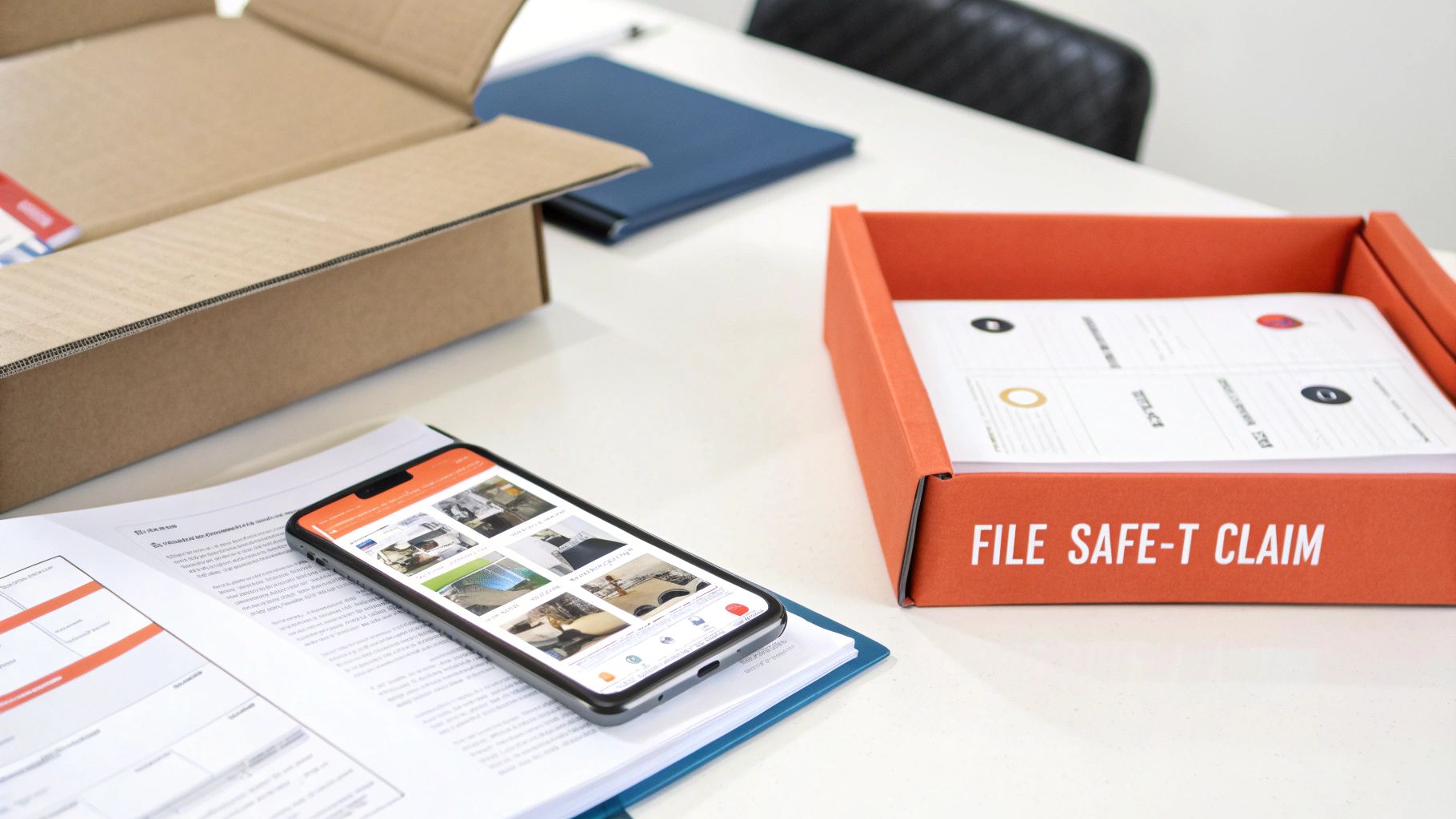
A SAFE-T claim is your official appeal to Amazon. You present your side of the story with evidence to prove you were incorrectly charged. This is particularly important for returns processed under Refund at First Scan (RFS), where Amazon issues the refund when the carrier scans the return—long before you can inspect the item.
When to File a SAFE-T Claim
Knowing when to file a claim is crucial. You cannot dispute every return; the situation must meet specific criteria where the buyer's actions caused you a financial loss.
You are generally justified in filing a SAFE-T claim in these situations:
Wrong Item Returned: The customer sends back a completely different product. For example, you sold a pair of premium headphones, and you receive an old, cheap pair instead.
Item Returned in Damaged or Used Condition: The product is returned clearly used, broken, or with missing parts, making it unsellable. For instance, a new dress shirt is returned with food stains and missing buttons.
Empty Box Returned: The return package arrives, but your product is not inside. This has become a more common fraudulent tactic.
Buyer Claimed Item Not Received, but Tracking Shows Delivered: You have proof of delivery from the carrier, but the customer received a full refund for an "item not received" claim.
The main principle is this: you, the seller, incurred a financial loss due to circumstances beyond your control. Filing a claim is about holding the responsible party accountable and protecting your business from unfair financial hits.
Amazon's approach to refunds has changed over time. In 2016, Amazon India began managing returns and refunds for orders below a certain value to streamline the process for low-cost items. This shift moved more of the refund process to Amazon's automated systems, making the SAFE-T claim process more important for sellers. You can read the full research about these policy changes to understand the background.
Building a Winning SAFE-T Claim
Your success depends on the quality of your evidence. Amazon investigators review thousands of claims, so yours must be clear, concise, and supported by undeniable proof. A vague complaint is likely to be rejected.
Before filing, organize your evidence. Your goal is to create a clear "before and after" picture that leaves no room for doubt.
Your Evidence Checklist:
Photos of the Returned Item: Take clear, well-lit pictures of the product you received. Capture shots from every angle, highlighting any damage, signs of use, or other issues. If it is the wrong item, photograph it next to the return shipping label.
Images of the Return Packaging: Take a few photos of the box and the shipping label. This helps prove what you received and can be useful if the package was damaged during its return journey.
Proof of Outbound Shipment: While not always required, this can be very effective. Having photos or a short video of the item you packed and shipped, especially for high-value products, proves it was in perfect condition when it left your possession.
Serial Numbers: If you sell electronics or other items with unique serial numbers, record the number for every unit you ship. Compare it to the serial number on the returned item. A mismatch is strong evidence of a fraudulent return and greatly increases your chances of winning the claim.
Once your proof is ready, go to the Manage SAFE-T Claims page in Seller Central to submit your case. In your written description, be professional and stick to the facts. State exactly what is wrong with the return and refer directly to your attached photos.
For example, you could write, "The buyer returned a used and damaged product. Please see attached images showing stains and missing parts that were not present when shipped." A straightforward, evidence-backed approach makes it easier for the investigator to rule in your favour and reimburse you.
Practical Strategies to Reduce Your Refund Rate
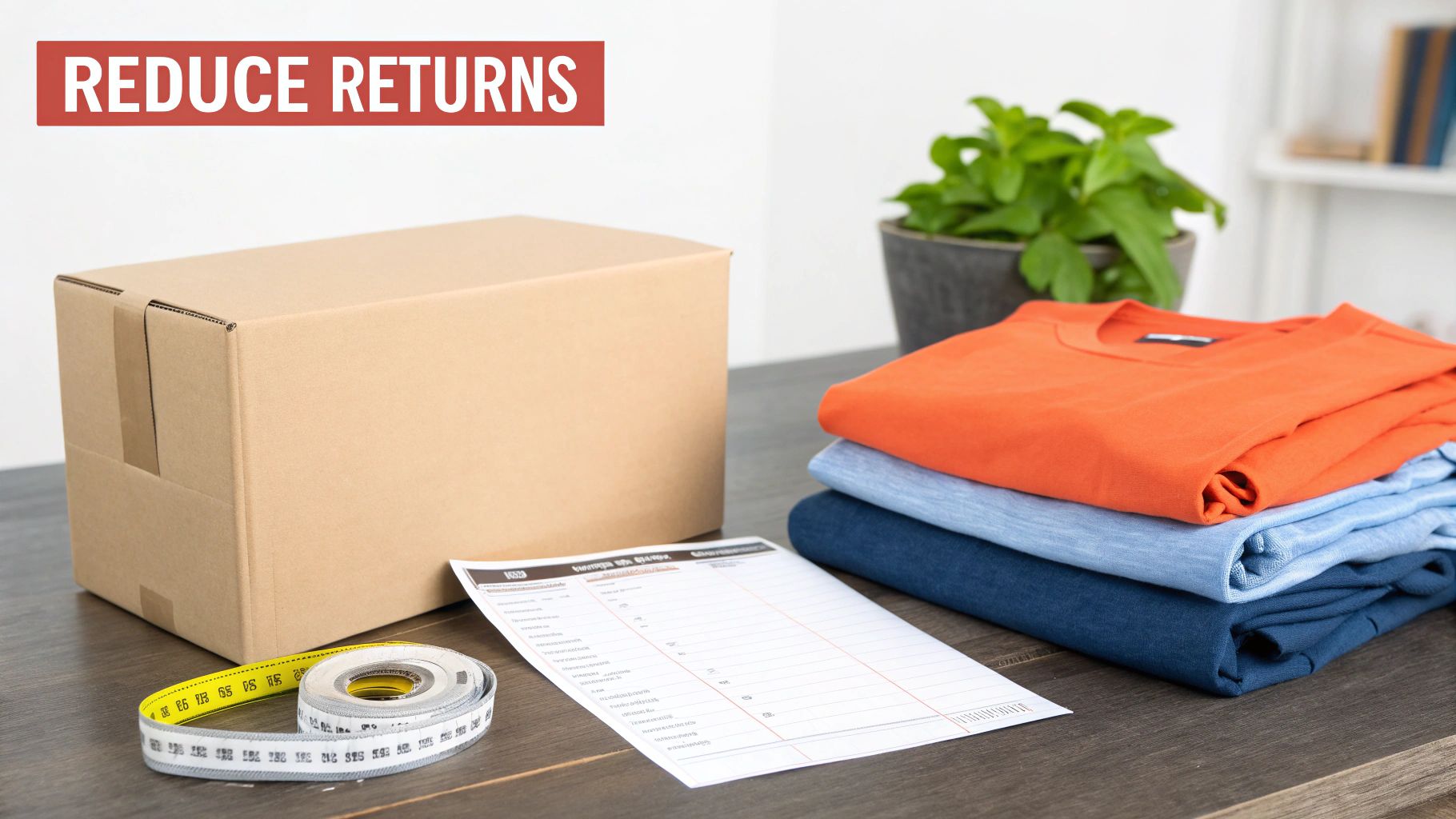
Handling an Amazon.in refund is reactive. Protecting your profits requires being proactive. The most effective way to manage refunds is to prevent them from happening in the first place. This means shifting your focus from processing returns to identifying and eliminating their root causes.
The core of this strategy is to set clear and realistic expectations for your customers. When a buyer knows exactly what they are getting, the likelihood of a return decreases significantly.
Optimize Your Product Listings for Honesty
Your product detail page is your most powerful tool for preventing returns. It is your opportunity to communicate precisely what the customer will receive. Vague descriptions or misleading images are a direct path to a high refund rate.
Begin by reviewing your product titles, bullet points, and descriptions. Are they completely accurate? For example, if you sell a mobile phone case made of silicone, do not describe it as "hard plastic." Be specific about materials, dimensions, weight, and compatibility.
High-quality visuals are essential.
Use Multiple High-Resolution Images: Show the product from every possible angle—top, bottom, side, and close-ups of key features.
Include In-Context Photos: Show the product being used. If it's a handbag, display it next to a person to give a clear sense of scale.
Add a Product Video: A short video demonstrating the product's features and functionality can answer questions that static images cannot.
This level of detail helps customers determine if the product is right for them, reducing the chances of a return.
The goal isn't just to sell a product; it's to sell it to the right person. An honest, detailed listing might slightly lower your conversion rate from some browsers, but it will significantly cut your return rate from actual buyers—which is far more profitable in the long run.
Address Common Category-Specific Issues
Certain product categories are naturally more prone to returns. However, you can take specific steps to mitigate these issues, especially in the Indian market where some sectors see high return volumes.
Industry data shows that return rates on Amazon India are often influenced by local buying habits. Recent surveys have identified clothing as the top returned category, with electronics also seeing 15-25% return rates, often due to compatibility problems. Understanding these trends is crucial. For more details, you can discover more about return rate statistics on redstagfulfillment.com.
For apparel sellers, the primary issue is almost always sizing. A generic "S, M, L" chart is insufficient. You need to create a detailed size guide with precise measurements in both centimetres and inches for the chest, waist, hips, and length. Adding a reference image showing a model's height and the size they are wearing provides valuable context.
With electronics, the problem is usually compatibility.
Clearly State Model Compatibility: If you're selling a charger, list every single device model it works with. Be exhaustive.
Highlight Regional Specs: For products with plugs or voltage requirements, explicitly state they are designed for Indian outlets and power standards.
By anticipating these common issues, you can address them directly in your listing and prevent a significant number of returns. Learning about different fulfillment approaches, such as in our article on dropshipping on Amazon, can also offer a broader perspective on these challenges.
Improve Packaging and Quality Control
A significant number of refunds are triggered before the customer even uses the product. "Item arrived damaged" is a common and preventable reason for return. This usually stems from poor packaging and a lack of quality control.
Invest in sturdy, appropriate packaging. Do not ship a fragile glass item in a flimsy mailer bag. Use bubble wrap, air pillows, and strong corrugated boxes to ensure your product can survive transit. The small additional cost of better packaging is minimal compared to the cost of a refund, negative feedback, and a lost product.
Finally, implement a strict quality control (QC) check before any item leaves your facility. This is especially important for sellers who are not the original manufacturers. A quick inspection for defects, missing parts, or cosmetic flaws can catch problems before they reach the customer, saving you from the resulting refund request.
Here’s a checklist to help you review your own process and identify areas for improvement.
Actionable Checklist for Minimizing Amazon Returns
Area of Focus | Action Item | Expected Outcome |
|---|---|---|
Product Listings | Review titles, bullets, and descriptions for 100% accuracy. Verify all specs (dimensions, material, compatibility). | Reduced "Not as Described" returns. |
Product Visuals | Add high-res images from all angles, in-context lifestyle photos, and a short product video. | Better customer understanding of size, scale, and function. |
Sizing Guides | For apparel, create a detailed chart with cm/inch measurements. Include model height/size for reference. | Fewer returns due to "Wrong Size/Fit". |
Packaging | Use durable materials (corrugated boxes, bubble wrap) appropriate for the product's fragility and weight. | Lower instances of "Item Arrived Damaged" returns. |
Quality Control | Implement a pre-shipment check for defects, missing parts, and cosmetic damage on every single order. | Catches faulty products before they reach the customer. |
Customer Feedback | Regularly analyze return reasons and negative reviews to identify recurring product or listing issues. | Data-driven improvements that address the root cause of returns. |
By systematically working through these areas, you are not just fixing individual issues; you are building a more resilient and profitable business on Amazon. It’s about creating a system that prevents problems before they start.
Dive Into Your Refund Data to Protect Your Profits
Your refund data tells a story. Every return provides clues, and learning to follow them is one of the most effective ways to protect your profits. An amazon in refund isn't just a lost sale; it's a data point that can reveal a weakness in your product, listing, or fulfillment process.
Ignoring this data is like operating without visibility. You could be losing money on a single product without even knowing it. By systematically analyzing your reports, you can move from reacting to returns to proactively preventing them.

Uncovering Insights in Your Amazon Reports
Your Seller Central account contains reports that are full of valuable information. To understand your refund situation, two reports are essential: the Payment Reports and the FBA Customer Returns report.
The Payment Reports provide the financial facts. Here, you can track every debit associated with a refund—the product cost, shipping fees, and any other charges from Amazon. This is crucial for reconciling your accounts and seeing the direct financial impact of every return.
The FBA Customer Returns report (found under Reports > Fulfilment) tells you why you are losing money. It shows which products are being returned and, more importantly, the specific reason codes customers select when initiating the return.
Do not just treat these as accounting tools. Think of them as diagnostic instruments. A sudden spike in returns for one specific ASIN is a clear signal that something is wrong, and this report is the first place you'll spot it.
Spotting Costly Trends and Patterns
Once you know where to find the data, the real work begins: identifying patterns. Do not just glance at the numbers; actively look for recurring themes. Exporting the FBA Customer Returns data into a spreadsheet can make it much easier to sort and filter.
As you analyze the data, ask yourself these questions:
Is one ASIN being returned far more than others? If a single product has a return rate that is double or triple your average, it is a major red flag. That product is actively costing you money and requires immediate investigation.
Is there a common return reason? Are customers frequently reporting an item as "not as described" or "defective"? This points directly to an issue with your product detail page or a quality control problem with your supplier.
Do returns increase during certain periods? For example, you might see more "damaged in transit" returns during the monsoon season. This suggests your packaging may not be durable enough to withstand the weather.
Imagine you sell three different models of phone chargers. By analyzing your returns, you discover that 70% of your refunds are for just one of those models. Upon closer inspection of the reason codes, you see the most common complaint is "incompatible with device." You have just identified a critical flaw in your product listing that is not only costing you sales but also creating dissatisfied customers.
This is the kind of actionable information you can use immediately. Correcting your product information is an essential first step. For a more technical approach, you can learn about managing listings through the Amazon Product API.
Taking Decisive Action Based on Your Data
Identifying a pattern is only half the solution. The most important step is to take concrete action to fix the root cause. Your data provides the diagnosis; now it's time to apply the remedy.
In our charger example, the fix is straightforward: update your product title and bullet points to be extremely specific. List every compatible phone model, and perhaps even include a list of popular incompatible models. This single change could significantly reduce the refund rate for that ASIN.
Here is how you can translate other common data patterns into practical solutions:
Problem: A high number of "defective item" returns for a specific batch.
Action: Contact your supplier immediately. Implement a more rigorous quality control check for all incoming inventory from that source.
Problem: Frequent "arrived damaged" feedback on a fragile item.
Action: Re-evaluate your packaging. Are you using the right type of box? Do you need to switch to thicker bubble wrap or add more protective filler?
Problem: Consistent "wrong size" returns for an article of clothing.
Action: Overhaul your sizing information. Create a detailed sizing chart with precise measurements in both centimetres and inches. Add a lifestyle photo showing a model's height and the size they are wearing to provide real-world context.
When you adopt this data-driven approach, refunds are no longer just a frustrating cost of doing business. They become a valuable source of feedback, allowing you to make smart, targeted improvements that strengthen your brand, protect your profits, and ultimately create happier customers.
Burning Questions About Amazon.in Refunds
Even experienced sellers encounter challenging situations with returns. Let's address some of the most common questions about the Amazon.in refund process with straightforward answers.
Can I Actually Refuse a Return Request?
The short answer is no, not usually. If a buyer’s request is within Amazon's return window (typically 7-10 days for most categories in India), you are required to accept it.
Refusing a valid return can quickly lead to an A-to-z Guarantee claim, which is damaging to your account health. However, accepting the return does not mean you must issue a 100% refund. If the product is returned damaged, used, or with missing parts, you can issue a partial refund. From there, you can file a SAFE-T claim to try to recover your losses.
What’s the Deal With Restocking Fees? Can I Charge Them?
A restocking fee is a percentage you can deduct from the refund to cover your costs when an item is not returned in its original condition. Amazon India’s policy allows for a “reasonable” restocking fee, but only under specific conditions.
When can you charge one? The most common scenario is a buyer-faulted return (such as "changed my mind") where the item is returned opened, used, or damaged.
How much is fair? You can charge up to 50% of the item's price if it is returned damaged, missing parts, or is completely different from what you sent. For items returned in perfect condition but late, you might be able to charge up to 20%.
Pro Tip: Always take photos of the returned item as soon as you open the box. This documentation is your best defense if a buyer disputes the fee.
How Quickly Do I Have to Issue the Refund?
Once the returned item arrives back at your location, a timer begins. Amazon gives you just two business days from the delivery date to inspect the item and process the refund.
If you miss this deadline, Amazon's system will likely intervene, issue a full refund to the customer automatically from your account, and negatively impact your seller metrics. Staying on top of your returns queue is not just good practice; it is a requirement.
What Happens if a Buyer Files an A-to-z Claim?
An A-to-z Guarantee claim is like a customer pulling an emergency cord. It means they are very dissatisfied with how you have handled their issue and have asked Amazon to step in.
Once a claim is filed, you have a 48-hour window to present your side of the story. This is where your evidence—tracking details, screenshots of messages with the buyer, photos of the returned item—is crucial. If Amazon sides with the buyer, the claim will negatively affect your Order Defect Rate (ODR).
The best way to handle A-to-z claims is to prevent them from happening. Respond to every buyer message within 24 hours and handle returns quickly and professionally. A little good will upfront can prevent a major headache later.
Can I Get My Money Back for Fraudulent Returns?
Yes, this is exactly what the SAFE-T claim process is for. If a customer sends back a different item, an empty box, or something they have clearly broken, you should issue the refund and then immediately file a SAFE-T claim.
The key is evidence. Provide clear photos showing what you sent versus what you received. While reimbursement is not guaranteed, a well-documented claim gives you the best possible chance of getting your money back from Amazon for refund fraud.
Stop guessing how Amazon's AI sees your products. Cosmy gives you the data-driven intelligence to diagnose content gaps, align with shopper questions, and optimise your listings for higher visibility and conversion. Get your free, actionable content audit today and turn AI insights into a competitive advantage. Visit https://cosmy.ai to get started.